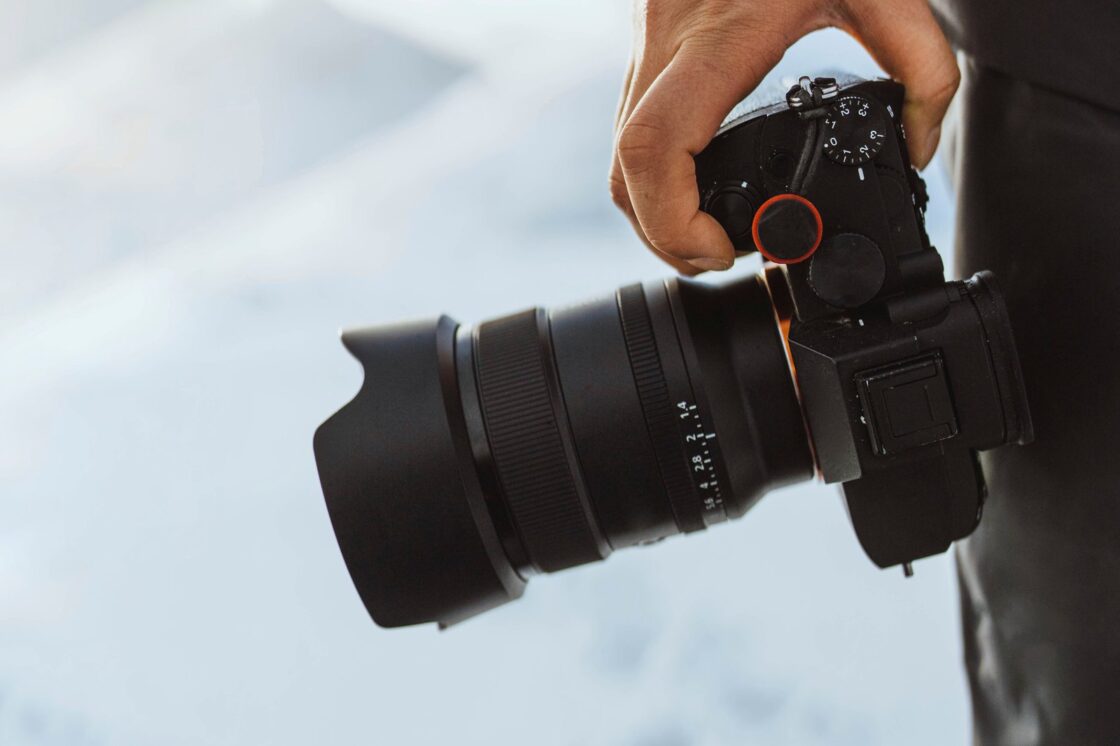
Cheap video is easy. Good video is expensive for the same reason great architecture, great tailoring, and great sound design are expensive: quality is built out of control. A professional production is not just someone pressing record. It starts with concept, script, storyboarding, shot lists, scheduling, logistics, filming, troubleshooting, editing, graphics, sound, and finishing. By the time the viewer sees the final cut, dozens of technical and creative decisions have already been made to prevent the result from looking ordinary.
Table of Contents
The money starts burning before the shoot
A big part of the budget is consumed before a camera even leaves its case. Preproduction covers planning, storyboarding, budgeting, scheduling, hiring, location scouting, and building a shot list. That may sound administrative, but it is the phase that protects the entire shoot from chaos. A production that looks smooth on set is often expensive precisely because so much friction was removed in advance.
That planning matters because filming is never only about images. Adobe’s production guide describes principal photography as crew coordination, equipment management, on-set logistics, lighting, sound, and the handling of multiple roles even on smaller shoots. A “simple” talking-head video can still require a producer, camera operator, sound mixer, and gaffer mindset, even if one person ends up wearing several of those hats. What clients often see as a short shoot day is usually the visible tip of a much larger labor stack.
Professional gear is expensive because it buys control
Take a concrete example. A current retail snapshot from B&H lists the Canon EOS R5 Mark II body at USD 3,899. That body is not expensive because it has a luxury badge on it. It is expensive because it is a 45MP full-frame camera built for serious hybrid production, with 12-bit RAW recording up to DCI 8K at 59.94 fps, a CFexpress Type B slot for high-end capture, Canon Log options, and pro-oriented connectivity like full-size HDMI, mic and headphone ports, and support for 24-bit four-channel audio through Canon’s XLR adapter ecosystem.
And even that is not the full story. Canon also offers an optional cooling fan grip for the EOS R5 Mark II that enables more than 120 minutes of 8K 29.97p recording in demanding situations. That detail alone tells you something important about professional video budgets: once you move into serious acquisition formats, the workflow expands outward. You are not paying only for a camera body. You are paying for a system designed to keep working under pressure.
Lenses are where image quality gets real
The camera body gets attention, but the lens is where a large part of the look is decided. B&H currently lists the Canon RF 24-70mm f/2.8 L IS USM at USD 2,599, and that is a very normal kind of “workhorse” professional lens rather than some exotic specialty optic. Its constant f/2.8 aperture is valuable not because it sounds impressive on a spec sheet, but because it gives filmmakers more control in low light and more control over depth of field.
Canon’s own description of L-series lenses is revealing. The company reserves the red-ring L designation for optics built with superior optical elements and professional performance standards, including special materials, high-level optical design, robustness, and environmental resistance. That is why footage from a professional lens looks different. The difference is not only sharpness. It is flare control, contrast, consistency across the frame, focus behavior, color rendering, and how gracefully the image holds together in difficult scenes.
This is also why a phone clip and footage from a Canon EOS R5 Mark II paired with quality RF glass are not really the same category of image. A phone may look excellent for casual use, especially in good light, but professional optics are built for repeatable control, not just convenience. That distinction is expensive, and it is exactly what clients are buying when they want the image to feel polished rather than merely captured.
Lighting and audio are not optional extras
A lot of people think expensive video is mostly about the camera. It is not. Adobe’s own production guide lists lighting and audio equipment among the basic requirements of video production, and Canon’s lighting guide frames lighting as a core storytelling tool rather than a decorative add-on. In practice, that means lights, stands, modifiers, flags, batteries, power management, microphones, wireless systems, booms, monitoring, and the time needed to set everything correctly.
Poor lighting makes expensive cameras look cheap. Poor audio makes expensive images feel amateur. Adobe explicitly stresses clear audio and the use of quality recording equipment, because viewers will forgive many visual imperfections faster than they forgive weak sound. That is why productions spend money on sound recordists, clean mic placement, room treatment, noise management, and backup recording. Audio is not a side task. It is half the experience.
High-end recording formats create their own budget line
Once you start shooting high-quality formats, storage stops being an afterthought. Canon’s EOS R5 Mark II specifications show just how aggressive that data load can become. In Light RAW at 59.94 fps, the camera can reach roughly 18,631 MB per minute, and Canon’s own table shows that a 1 TB card holds only about 51 minutes in that mode. That is an astonishing amount of data for a relatively short stretch of real shooting time.
The media itself is not cheap either. Canon specifies CFexpress requirements for serious movie recording, and a current B&H listing shows a 512 GB ProGrade CFexpress Type B card at USD 339.99. One card is rarely enough for a real shoot. Professionals also need offload speed, duplicate copies, working drives, archive drives, and a workflow that treats footage like irreplaceable material. The more professional the image format, the more invisible infrastructure is required behind it.
Post-production is where the hidden hours multiply
This is the part clients most often underestimate. Once filming ends, the project is not “almost done.” It enters the phase that turns raw material into something watchable. Adobe describes post-production as editing, sequencing, enhancing footage, color correction, grading, and audio mixing. Its guide also notes that editing can take several months depending on the project. Even on smaller jobs, the logic is the same: the edit is not clerical work. It is where rhythm, clarity, pacing, tone, and emotional effect are actually shaped.
Then there is the finishing pipeline. Adobe separates color correction from color grading for a reason. Correction is the technical process of balancing and unifying shots so they look right. Grading is the creative process of shaping the visual mood. Its post-production guide also describes sound editing, unwanted noise removal, Foley, music, sound design, mixing, and titles as separate finishing layers. In other words, the editor is not simply trimming clips. The editor is coordinating a stack of disciplines that all take time.
Post-production also has its own hardware bill. Adobe’s current Premiere Pro technical requirements recommend 32 GB of RAM or more for 4K and higher media, along with substantial GPU capability. That matters because professional footage does not just take longer to edit creatively; it is heavier to process technically. The moment you shoot like a professional, you inherit the cost of editing like one.
A phone can be impressive, but it is not the same tool
Smartphones have become astonishingly good. Apple supports ProRes on iPhone, and newer Pro models can record up to 4K at 120 fps when connected to compatible external storage. That is real progress, and anyone serious about video should admit it. A phone is no longer a joke camera.
But serious mobile capture also proves the opposite point. Even Apple’s own documentation shows that once you push toward higher-end mobile workflows, you start adding external storage and dealing with format constraints. Meanwhile, the EOS R5 Mark II is working with a 36.0 x 24.0 mm full-frame sensor, 12-bit 8K RAW options, and compatibility with Canon’s professional L-series optics. Independent reporting and peer-reviewed research continue to show the same general pattern: smartphones are outstanding for convenience, but dedicated cameras still hold major advantages in low light, lens flexibility, bokeh, distortion control, and demanding professional scenarios.
That is the fairest way to say it. The mobile recording is not “bad.” It is simply not interchangeable with a full-frame professional setup. A phone is optimized to be always with you. A camera like the Canon EOS R5 Mark II paired with professional RF glass is optimized to give you far more control over the final image. The gap between convenience and control is where a lot of the price lives.
What the client is really paying for
People often say video is expensive because cameras are expensive. That is true, but only in the shallowest sense. Video is expensive because production is the art of eliminating failure. You are paying for the planning that prevents missed shots, for the lens that holds the image together, for the lighting that shapes a face, for the sound that keeps a viewer listening, for the media that does not choke under 8K files, and for the post-production time that turns fragments into a finished piece.
The paradox is that when professional video is done well, the cost becomes invisible. The audience does not think about the shot list, the CFexpress cards, the color pass, the cleanup of room tone, or the hours spent balancing skin tones across cameras. They only feel that the video looks serious, sounds clean, and holds attention. That invisibility is not proof the price was too high. It is proof the work was done properly.
Author:
Jan Bielik
CEO & Founder of Webiano Digital & Marketing Agency

Sources
Canon EOS R5 Mark II product page
Official Canon product page used for video capabilities, connectivity, optional accessories, and pro recording features.
https://www.usa.canon.com/shop/p/eos-r5-mark-ii
Canon EOS R5 Mark II specifications manual
Official Canon manual used for recording formats, bitrate, file size per minute, card requirements, and storage implications.
https://cam.start.canon/en/C017/manual/html/UG-10_Reference_0110.html
World of L-Series Lenses
Official Canon source explaining what L-series lenses are and why they are considered professional-grade optics.
https://www.usa.canon.com/pro/rf-lens-world/l-series-lenses
Canon RF 24-70mm f/2.8 L IS USM lens page
Retail product page used for the current workhorse lens pricing example and lens specifications relevant to low-light work and depth of field control.
https://www.bhphotovideo.com/c/product/1502500-REG/canon_3680c002_rf_24_70mm_f_2_8l_is.html
Canon EOS R5 Mark II camera page at B&H
Retail product page used for the current EOS R5 Mark II body pricing example and supporting product specifications.
https://www.bhphotovideo.com/c/product/1840289-REG/canon_6536c002_eos_r5_mark_ii.html
ProGrade Digital 512GB CFexpress Type B card page
Retail product page used for a current CFexpress media cost example relevant to high-end video recording workflows.
https://www.bhphotovideo.com/c/product/1796989-REG/prograde_digital_pgcfx512gatbh_prograde_digital_512gb_cfexpress.html
Video production guide by Adobe
Adobe guide used for production stages, crew roles, preproduction scope, and the time demands of filming and editing.
https://www.adobe.com/creativecloud/video/production.html
Post-production guide by Adobe
Adobe guide used for sound editing, mixing, finishing stages, and the wider definition of post-production beyond simple cutting.
https://www.adobe.com/creativecloud/video/post-production.html
Adobe Premiere Pro technical requirements
Official Adobe requirements used to support the claim that high-resolution editing also demands powerful post-production hardware.
https://helpx.adobe.com/premiere/desktop/get-started/technical-requirements/adobe-premiere-pro-technical-requirements.html
Record ProRes video with your iPhone camera
Official Apple support page used for current iPhone ProRes recording limits and external storage requirements for higher-end mobile video capture.
https://support.apple.com/guide/iphone/record-prores-video-iphde02c478d/ios
Lighting in video by Canon Europe
Official Canon article used to support the role of lighting as a storytelling tool in professional video production.
https://www.canon-europe.com/pro/stories/using-lighting-video/
A comparative study on the use of smartphone cameras in photogrammetry applications
Peer-reviewed paper used to support the technical limitations of smartphone cameras compared with dedicated cameras and high-quality glass lenses.
https://www.mdpi.com/1424-8220/24/22/7311
Why you should still ditch your phone for a proper camera
WIRED article used as supporting editorial context for the continuing differences between smartphones and dedicated cameras in demanding visual work.
https://www.wired.com/story/phone-camera-vs-dslr-cameras/