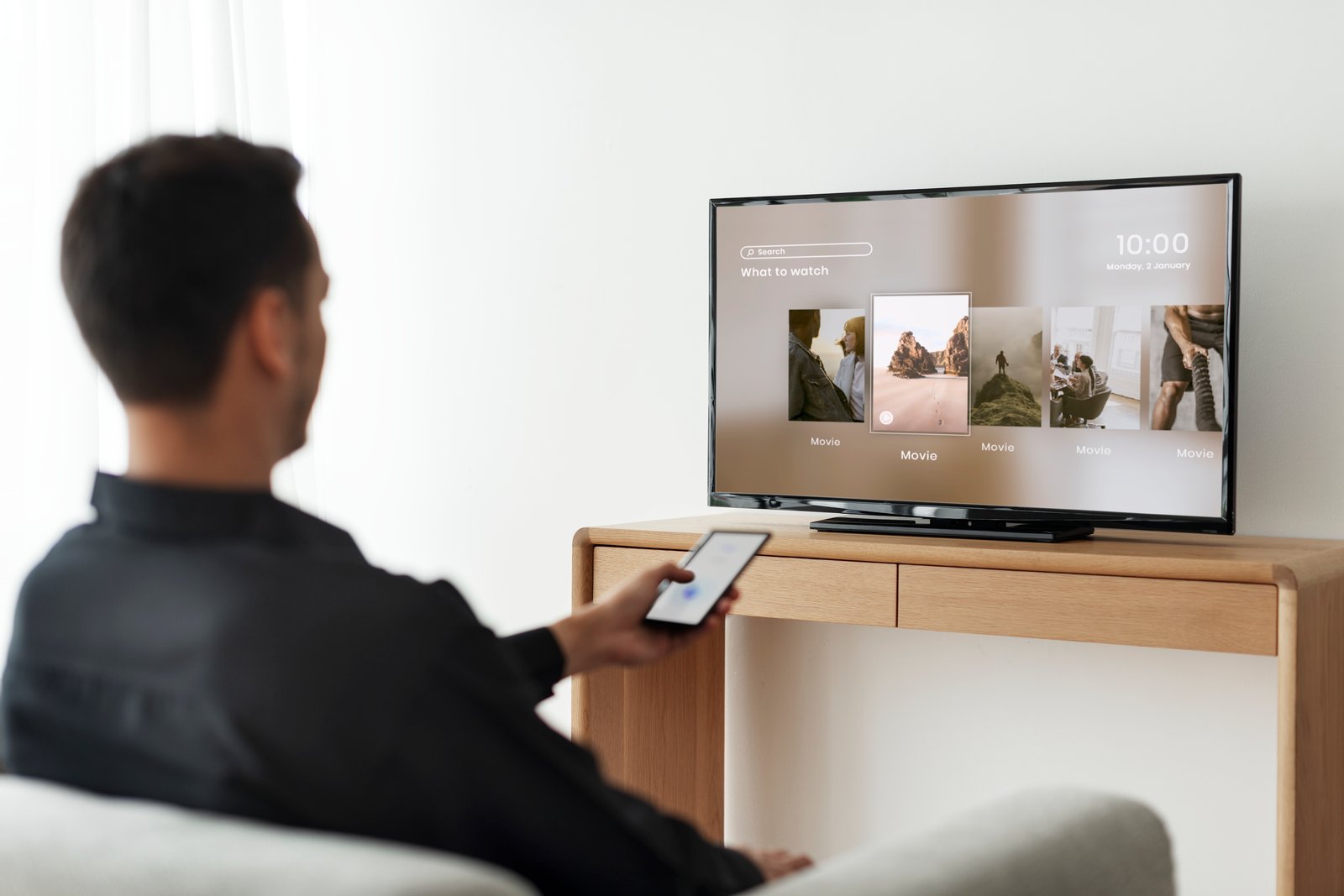
Logging into a smart TV you do not own feels trivial. A few clicks, one episode, maybe a football match before bed. Yet the moment you sign in on a hotel TV, a holiday rental screen, or a smart TV in somebody else’s apartment, you stop borrowing a display and start trusting a shared, internet-connected device with your account session. The industry’s own support pages make that plain enough: Netflix, Google, YouTube, Prime Video, and Disney+ all maintain instructions for signing out remotely or removing devices you no longer control. Those recovery tools exist for a reason.
Table of Contents
That does not mean every hotel TV is a trap or every guest after you is waiting to hijack your account. It means the risk is structural, not dramatic. Shared devices get reused. Sessions linger. Pairings survive longer than people expect. And the cost of one careless login is rarely immediate, which is exactly why people keep underestimating it.
The shared screen keeps more than your movie
The biggest mistake travelers make is assuming that leaving the room ends the session. Often it does not. Netflix lets you review recently active devices and sign out one device or all devices remotely, while Google offers device-level sign-out from the account security area. Prime Video tells users to deregister a device if they cannot sign out locally, and Disney+ offers a “log out of everywhere” flow through account security. That is not a fringe workaround. It is mainstream account hygiene for devices you no longer physically control.
There is another wrinkle people miss on the road: linking a phone to a TV is not always the same as a one-time cast. YouTube’s TV-code system can create a reusable link between your phone or tablet and the TV, and Google documents both reconnection and “unlink all devices” steps for that setup. In other words, typing a code on your phone may reduce the chance of exposing your password on the television itself, but it does not automatically guarantee that the relationship disappears when you check out.
Even the cleanup tools have limits. Netflix notes that devices can take up to 48 hours to appear in device management, and not every signed-in device will necessarily be listed. That is a useful safety net, not a perfect eraser. If you discover the problem only after the flight home, you may still be playing catch-up with a device list that is incomplete or delayed.
Smart TVs are not neutral hardware
A foreign smart TV is not only a session risk. It is also a privacy surface. Samsung’s Smart TV privacy materials say the platform may collect information about watched, purchased, downloaded, or streamed content, app usage, search terms, IP address, device information, and—if certain features are enabled—viewing information and interactive marketing data. Samsung’s advertising notice adds that Smart TVs can use identifiers and, for opted-in users, viewership data to support customized ads.
That is not a fringe theory about surveillance. It sits squarely in the history of the category. The U.S. Federal Trade Commission’s Vizio case described a smart-TV business model built around collecting viewing histories and sharing data without proper consent, ending in a settlement that required stronger disclosure, consent, and deletion measures. The lesson was never that one brand behaved badly while the rest of the market stayed innocent. The lesson was that connected televisions are data systems, and they should be treated that way.
On some devices, the privacy footprint can go further. Samsung’s Smart TV documentation describes voice recognition features that send interactive voice commands and device information to a third-party service provider, along with locally stored facial-recognition features on certain models. None of that is the same thing as your Netflix account being stolen, but it changes the character of the device. You are no longer dealing with a dumb hotel television. You are dealing with software, accounts, identifiers, and telemetry on a screen that is not yours.
Travel networks make a careless habit worse
The network matters too. The FBI advises people to be careful on public Wi-Fi and to avoid sensitive transactions on public networks, while recent FBI guidance on BADBOX 2.0 warns that compromised IoT devices, including TV streaming devices, can be exploited as part of criminal infrastructure. Those are different threats, but they point in the same direction: travel environments are weaker trust environments. The room TV, the captive portal, the shared network, and the hurry of travel all lower the margin for error.
That is why the usual argument—“it’s only for one night”—misses the point. One night is enough to create a persistent session on a shared device. One rushed login on a public network is enough to put your credentials, account pairing, or viewing habits into a place you do not manage. One forgotten sign-out is enough to turn a private account into the next guest’s temptation. The risk is not cinematic. It is procedural. And procedural risks are exactly the ones people repeat.
Better travel habits start with keeping the login off the TV
The safest pattern is simple: keep the account on your own device whenever you can, and treat the room TV as an output, not as a destination for your credentials. Apple now supports AirPlay in certain hotel rooms through QR-based setup, and Apple describes that hospitality model as private and secure. Roku’s Guest Mode, also called Auto Sign Out, is built around temporary access and a checkout date rather than permanent account residence. Those designs are telling. Better systems are built to expire. Bad travel habits assume persistence will clean itself up.
Two travel-TV patterns compared
| Approach | What you are really doing |
|---|---|
| Direct sign-in on the room TV | Storing an active session on a shared device you do not manage and may never see again |
| Casting, AirPlay, or a guest-mode environment | Keeping control closer to your phone or temporary session flow and reducing the need to leave credentials behind |
The second option is not magic. You still need to disconnect properly, and some linking methods persist until you explicitly remove them. YouTube’s TV-code linking and unlink flows are a good example of that. Still, a temporary streaming path is usually a better security shape than handing a shared television your account directly.
The checkout routine most people skip
Sign out on the TV before you leave the room. Netflix has hotel-TV sign-out instructions, YouTube provides TV-side sign-out and account removal steps, and that should be the first move every time. Do it before packing, not from the taxi.
Then remove the device from the account side as well. Netflix’s Manage Access and Devices page, Google’s device list, Prime Video deregistration, and Disney+ “log out of everywhere” exist because local sign-out is not always enough and because people often lose access to the screen before they remember the risk. A belt-and-suspenders approach is justified here.
Treat linked TVs as linked devices, not harmless screens. If you paired YouTube with a TV code, unlink it. If you used an account-based app, verify that the unfamiliar television no longer appears in device activity. Shared TVs often disappear from memory faster than they disappear from your account.
Use MFA on the accounts that matter. NIST’s guidance is blunt: passwords alone are not effective protection for sensitive assets, and MFA adds another layer beyond a username and password. MFA will not fix every sloppy travel habit, but it reduces the damage if a login leaks, a session is abused, or a password gets reused somewhere it should not.
A hotel TV should be treated like a borrowed keyboard
That is the cleanest mental model. A foreign smart TV is not an appliance in your personal trust zone. It is a borrowed, networked computer in a temporary room. Once you see it that way, the right behavior becomes obvious. You would not casually save your browser session on a lobby PC. You would not leave your email open on a conference laptop. The room TV deserves the same caution.
Travel strips away routine. People are tired, distracted, off schedule, and willing to trade security for convenience because the stay is short. That is exactly why this particular mistake keeps happening. The fix is not paranoia. It is discipline measured in seconds: stream from your own device when possible, sign out before checkout, remove the device remotely afterward, and do not assume a shared TV forgets you just because you forgot it.
Author:
Jan Bielik
CEO & Founder of Webiano Digital & Marketing Agency
This article is an original analysis supported by the sources cited below
How to sign out of a device
Official Netflix Help Center guidance for reviewing recent device activity and remotely signing out devices.
https://help.netflix.com/en/node/128180
How to use Netflix on your hotel TV
Official Netflix Help Center page for using and signing out of Netflix on hotel televisions.
https://help.netflix.com/en/node/25814
See devices with account access
Official Google Account Help documentation for reviewing devices and signing them out.
https://support.google.com/accounts/answer/3067630
Sign out or remove an account from YouTube on your TV or game console
Official YouTube Help instructions for signing out or removing an account on shared TV devices.
https://support.google.com/youtube/answer/7612539
Watch YouTube on your smart TV by linking to your devices
Official YouTube Help page describing TV-code linking, reconnection, and unlinking linked devices.
https://support.google.com/youtube/answer/7640706
Managing devices
Official Disney+ Help Center guidance for logging out of one or all devices.
https://help.disneyplus.com/article/disneyplus-log-out-devices
Fix Amazon Prime Video Login Issues
Official Prime Video Help guidance noting that inaccessible devices can be removed by deregistering them.
https://www.primevideo.com/help?nodeId=GDCTD7L6N6R96WVK
How to turn Guest Mode on and off on your Roku streaming device
Official Roku support article for temporary guest access and sign-out behavior.
https://support.roku.com/article/360015612834
Stream video and audio from your iPhone with AirPlay
Official Apple Support guide covering AirPlay and hotel-room TV setup via QR code.
https://support.apple.com/en-gb/guide/iphone/iphd668e80e6/ios
AirPlay is now available in select IHG Hotels & Resorts properties
Apple newsroom announcement describing private and secure hotel-room streaming with AirPlay.
https://www.apple.com/newsroom/2024/04/airplay-is-now-available-in-select-ihg-hotels-and-resorts-properties/
Home Internet Connected Devices Facilitate Criminal Activity
FBI public service announcement on cybercriminal abuse of compromised IoT devices, including TV streaming devices.
https://www.fbi.gov/investigate/cyber/alerts/2025/home-internet-connected-devices-facilitate-criminal-activity
On the Internet Be Cautious When Connected
FBI consumer safety guidance warning about public Wi-Fi and sensitive transactions.
https://www.fbi.gov/how-we-can-help-you/scams-and-safety/on-the-internet
Multi-Factor Authentication
NIST guidance explaining why MFA strengthens account protection beyond passwords alone.
https://www.nist.gov/itl/smallbusinesscyber/guidance-topic/multi-factor-authentication
What Vizio was doing behind the TV screen
FTC analysis of the Vizio smart-TV privacy case and its implications for consumer data collection.
https://www.ftc.gov/business-guidance/blog/2017/02/what-vizio-was-doing-behind-tv-screen
Samsung Privacy Policy SmartTV Supplement
Official Samsung Smart TV privacy notice describing data collection, recommendations, voice features, and device information practices.
https://www.samsung.com/us/info/privacy/smarttv/
Samsung Ads Privacy Notice
Official Samsung notice explaining Smart TV advertising identifiers, viewership data, and ad personalization controls.
https://policy.samsungrs.com/